
How to Mention Users and Channels in Slack Reports or Alerts
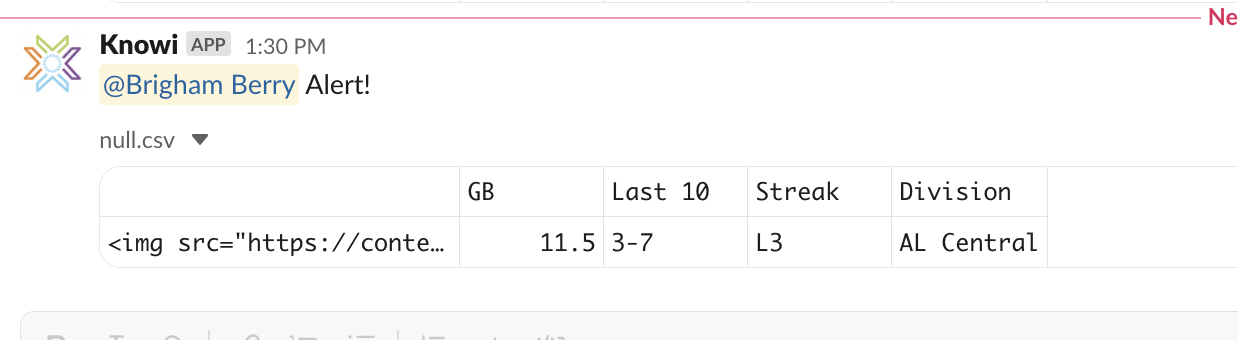
When sending a Report or an Alert from Knowi to Slack you can notify users or the whole channel using Slack's special mention syntax.
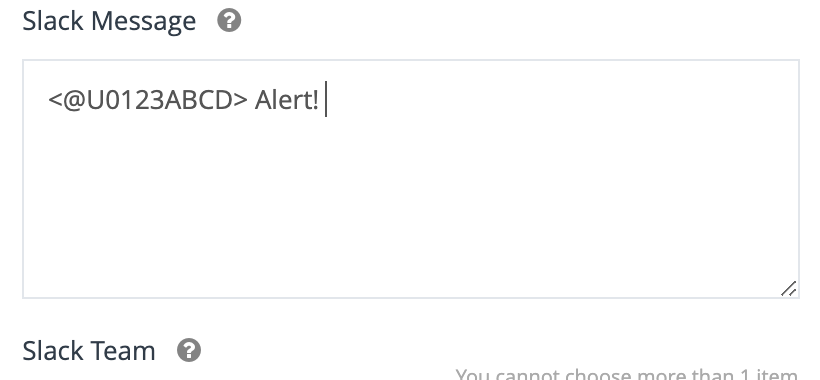
To mention a specific user, use their member ID like this: <@U1A2B3C4D>
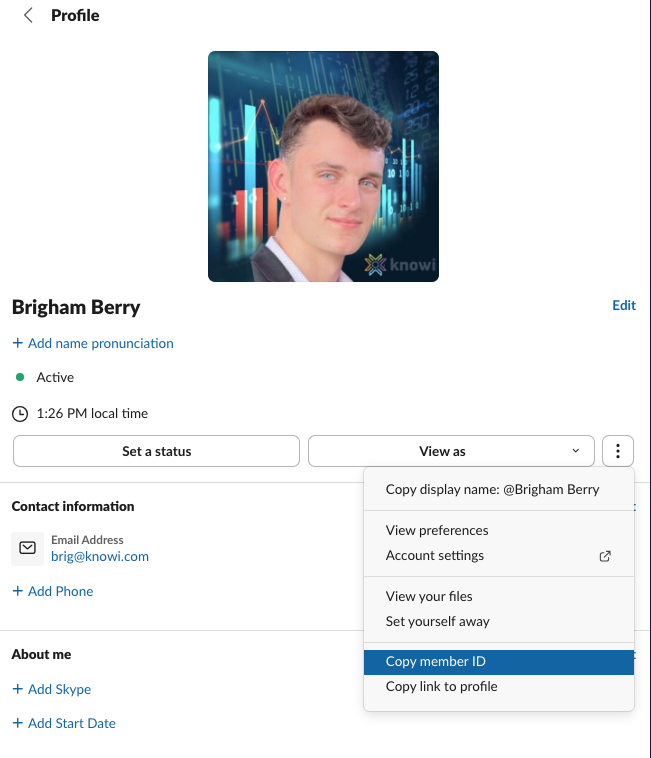
Make sure you include the angle brackets (< >) or it won’t trigger a notification. You can find any user's member ID by clicking their profile, selecting the three dots, then clicking Copy member ID.
To notify groups in a channel:
-
<!here>– Notifies online members of the channel. -
<!channel>– Notifies everyone in the channel, whether they’re active or not. -
<!everyone>– Notifies all workspace members (use with caution).
Please sign in to leave a comment.
0 comments