Displays a word, with size of the word proportional to an associated value. For example, revenue by customer name, where the customer name displayed is proportional to the revenue number.
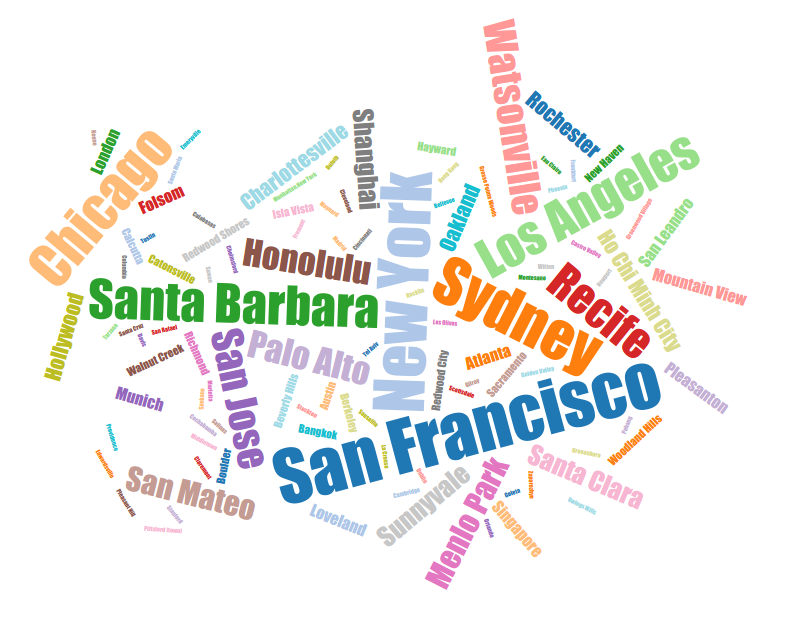
Chart Configuration
| Field | Interpretation |
|---|---|
| Field containing Size/Count | Size mapping of the text field |
| Field containing text | Select the field that contains the text to analyze |
| Minimal angle | Control the text angle display |
| Max angle | Control the text angle display |
| Step change angle | Control the angle display step |
| Font | To specify the font |
| Font size | To specify the font size |
Display & Formatting
| Field | Interpretation |
|---|---|
| Title Font Color | Set the title font color of the widget |
| Title Font Size | The default title font size is 14px. |
Widget Menu
| Field | Interpretation |
|---|---|
| Show Title | Show Title on Widget |
| Analyze | Show Analyze menu |
| Alerts | Show Alert icon |
| Filters | Show Filter icon |
| Drilldowns | Show Drilldowns menu |
| Query | Show Query menu |
| Data/Export | Show Data/Export menu |
| Data Diagram | Show Data Diagram |
| Share | Show Share menu |
| Refresh | Show Refresh menu |
| Maximize | Show Maximize menu |
| Remove from Dashboard | Show Remove from Dashboard menu |